
Shopify POS Pricing 2026: Lite vs Pro, Fees and Hardware
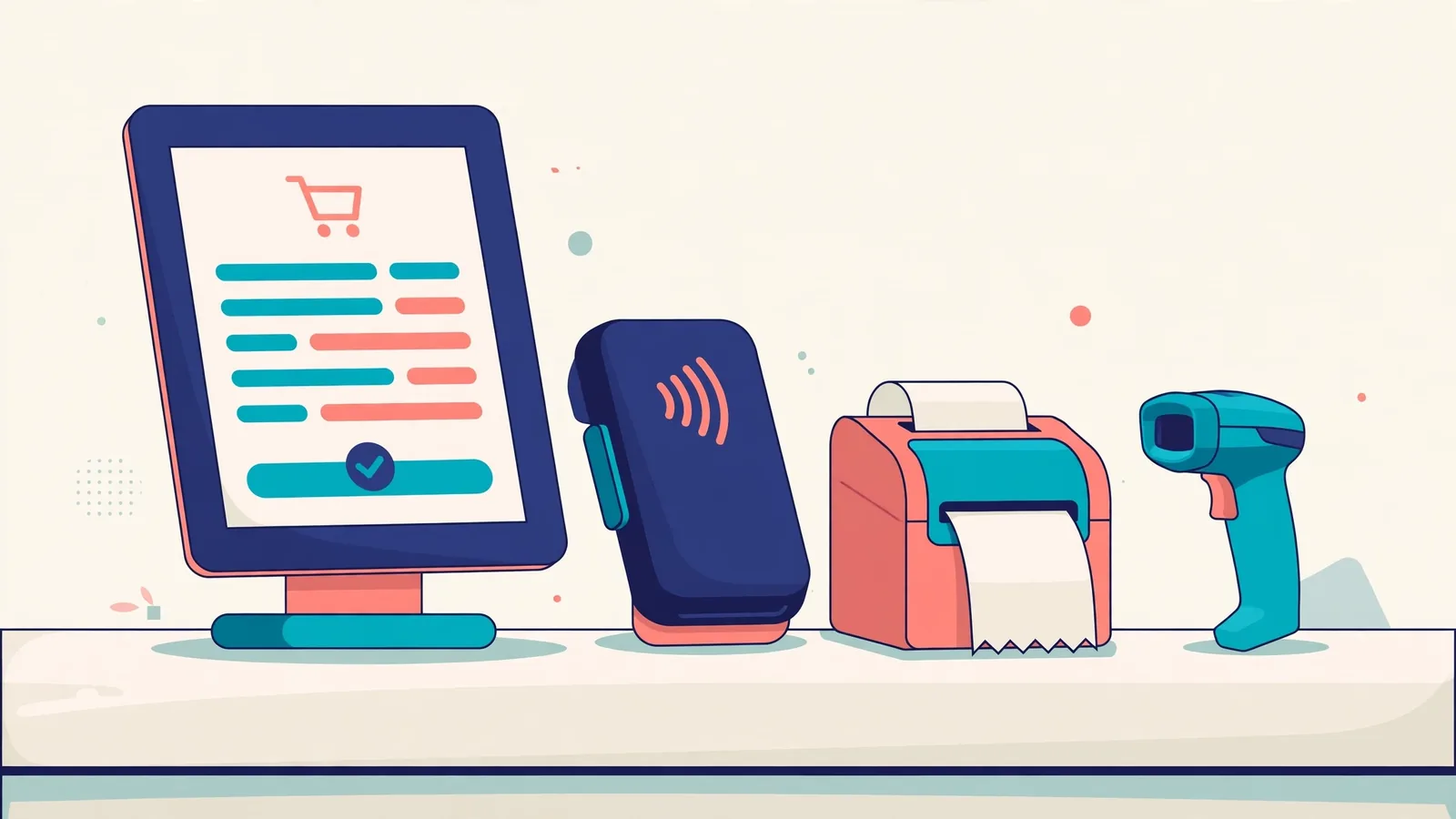
Shopify POS pricing in 2026: POS Lite’s basic in-person selling tools come with eligible paid Shopify plans. POS Pro adds $89 USD per month per retail location on Shopify’s published US pricing, on top of your base subscription. Hardware, payment processing and country-specific terms affect your actual total.
Prices checked 3 November 2026 | US-dollar public pricing examples | Independent documentation-based guide
Affiliate disclosure: This guide includes an affiliate link. BigExclusives may earn a commission if you subscribe through it, at no extra cost to you. We do not present this as an independently tested retail POS implementation. See our Affiliate Disclosure and Review Methodology.
Shopify is often discussed as an online storefront, but retailers also use Shopify POS to connect in-person checkout with store administration. The decision isn’t simply whether POS software is available: it’s whether you need POS Pro, which locations require it, how much compatible hardware costs, and whether Shopify Payments is available where you operate.
Shopify POS Lite vs POS Pro: the central difference
| Question | Casual in-person selling / POS Lite | POS Pro |
|---|---|---|
| Software cost | Included in eligible paid Shopify plans | Additional $89 USD/month per Pro location on the published US pricing page |
| Who it suits | Pop-ups, occasional markets, limited in-person sales | Permanent retail shops with more staff, inventory and operational workflows |
| Staff access | Basic or limited controls, depending on plan | Expanded staff logins, roles and permissions |
| Inventory management | Core sales and inventory functionality | More advanced retail stock workflows and reports |
| Customer management | Simple profiles | Richer profiles and customer-focused retail features |
| Other charges | Base plan, processing, hardware, applicable extras | Base plan plus Pro location fees, processing, hardware and applicable extras |
Shopify’s official POS pricing page lists the per-location fee and explains the features in each tier. Do not assume POS Pro is required for every store: identify which locations need advanced functions before paying for each one.
How much does Shopify POS cost per month?
On Shopify’s public US pricing page with the pay-monthly view, the base subscriptions are Basic $39/month, Grow $105/month and Advanced $399/month (checked 3 November 2026 against Shopify’s US pricing page; Basic is $29/month and Grow is $79/month when billed annually). POS Pro is advertised as an additional $89/month per location. Shopify Plus has separate contract/term pricing and should be evaluated on a custom quote.
These are US-dollar headline rates, not a promised checkout price for every country. Shopify also displays annual-payment options, promotions, payment-processing percentages and other plan terms that can change.
Three simple illustrative Shopify POS budget examples
| Store setup | Base plan | Pro location add-on | Indicative software subtotal |
|---|---|---|---|
| Basic plan, no Pro locations | $39/month | $0 | $39/month |
| Basic plan, one Pro location | $39/month | $89/month | $128/month |
| Basic plan, two Pro locations | $39/month | $89/month per location × 2 | $217/month |
| Grow plan, one Pro location | $105/month | $89/month | $194/month |
Important: These totals are arithmetic illustrations of the listed US monthly rates, not checkout quotes. They exclude taxes, payment processing, hardware, apps, services and possible billing-cycle differences. Shopify’s pricing page notes that the Pro add-on can be billed yearly; verify the frequency and total in checkout instead of assuming every line item is paid month by month.
Shopify POS payment fees: don’t ignore per-transaction costs
Subscription prices are only one part of the cost. Shopify advertises different in-person card processing rates by plan and region. On the reviewed US pay-monthly page, in-person rates start at 2.6% + 10¢ for Basic, 2.5% + 10¢ for Grow and 2.4% + 10¢ for Advanced. Those are not universal global rates; availability and negotiated or specific card conditions can differ.
For context, a hypothetical $30 eligible in-person transaction at 2.6% plus $0.10 would have a $0.88 processing cost. This illustration ignores other possible fees and should not be used as an invoice forecast without checking local payment terms.
Build your estimate using monthly software cost + expected payment fees + hardware purchases + paid apps + taxes or other applicable charges. Calculate against realistic transaction volume and your average sale value, not against a marketing offer alone.
Check Shopify’s currently available plans (affiliate link).
Shopify POS hardware in 2026: handheld or countertop?
Hardware requirements depend on whether you sell at a pop-up, walk the sales floor with customers or run a permanent checkout counter. Shopify’s hardware overview describes smartphone-based checkout, handheld devices and counter setups.
Mobile and handheld checkout
Some businesses can use a compatible phone or tablet with a supported card reader, while other shops benefit from an all-in-one handheld. In Shopify’s US hardware catalog at the time of review, the Verifone Victa Mobile is listed as a handheld device that runs Shopify POS, takes payments and scans barcodes, priced at $399. Hardware prices and support vary by market.
Countertop checkout
Shopify’s US hardware catalog also lists a POS Terminal at $349 and a Tap & Chip Card Reader at $49. A full counter setup may additionally require a compatible tablet, stand, scanner, printer or cash drawer. Do not use these US prices as a quote in another country.
Shopify’s current documentation identifies POS Terminal as a counter-oriented customer-facing device. The former POS Go hardware has undergone naming and product changes, so compare currently supported devices rather than purchasing old second-hand hardware based on a 2024 tutorial. See Shopify’s POS Terminal guide and hardware catalog.
Is Shopify POS available in your country?
The POS app can be used in a wide range of countries, but Shopify Payments, integrated card readers and hardware availability are country-dependent. This distinction matters if you run a shop outside the United States. Confirm the exact supported card-reader model, currency, processor and settlement terms for your location before ordering equipment.
Start with Shopify’s country-by-country supported card readers and POS hardware setup guide. Avoid assuming a US Tap & Chip reader works with every overseas store or third-party processor.
Shopify POS for retail versus restaurants
A boutique, gift shop, apparel retailer or small general store may find Shopify’s inventory, online-store and in-person ordering connection useful. Restaurants and cafés should be more cautious: table management, split checks, kitchen displays, complex modifiers, tipping, offline workflows and restaurant-specific reporting may require specialist features or integrated third-party applications.
Before choosing Shopify as a restaurant POS, test your own service flow end to end using a real menu, staff permissions and checkout scenario. Do not assume all specialist restaurant operations are built into the default POS subscription.
Five checks before upgrading to POS Pro
- Location count: List the exact physical locations that need Pro and which can remain on basic in-person selling.
- Staff workflows: Check role permissions, refunds, exchanges and shift procedures with your real team.
- Inventory: Test variants, transfers, purchase orders and low-stock alerts for your catalog size.
- Hardware compatibility: Confirm supported devices, local payment methods, scanners and printers.
- Total recurring cost: Include subscription, Pro locations, transaction fees, hardware, extensions and migration work.
Our Shopify review covers the broader e-commerce plan, while the Shopify buying checklist addresses online selling costs and setup. If you’re evaluating the underlying store architecture, see Shopify vs WooCommerce.
Frequently asked questions
Is Shopify POS free?
Casual in-person selling functionality is included in eligible paid Shopify plans; the Shopify subscription itself is not necessarily free. POS Pro is an additional charge when selected.
How much is Shopify POS Pro in 2026?
Shopify’s public US pricing lists $89 USD per month for each POS Pro location, subject to checkout terms and billing cycles. Your overall bill also includes the base plan and any other costs.
Can I use Shopify POS without the $89 add-on?
Yes, if the included in-person selling features meet your requirements. Shops needing advanced location-level features may choose POS Pro selectively.
Is Shopify POS only for the US?
No, but integrated payment providers and supported hardware vary by country. Check the current regional availability before buying devices.
Does the $89 include a card reader?
Do not assume it does. Hardware costs and eligibility for promotions should be verified separately using the current official hardware store and promotional terms.
Is Shopify POS right for a restaurant?
It may serve some selling situations, but restaurants should assess table service, kitchen operations, modifiers and other essential workflows before committing.
Bottom line: choose by store operations, not just the headline rate
For occasional market stalls and simple in-person sales, basic included POS features may be enough. For busier retail stores, advanced staff, inventory and reporting tools may justify an additional per-location fee. A sensible buying decision starts with your country, supported payments, exact location count and total cost—not a limited-time promotion.
Explore Shopify plans and current introductory offers (affiliate link)
Official sources and disclosures
- Shopify: POS plans and per-location pricing
- Shopify: POS hardware overview
- Shopify Hardware Store: US card readers and device prices
- Shopify Help Center: POS Terminal
- Shopify Help Center: country-specific supported readers
Editorial method: This report summarizes official public documentation reviewed on October 31, 2026. We have not operated a store with every device, independently benchmarked hardware, or verified fees in every territory. Provider prices and availability can change. Always verify terms directly before paying.


