
SPF, DKIM and DMARC Explained (2026): Email Authentication Checklist for Small Businesses
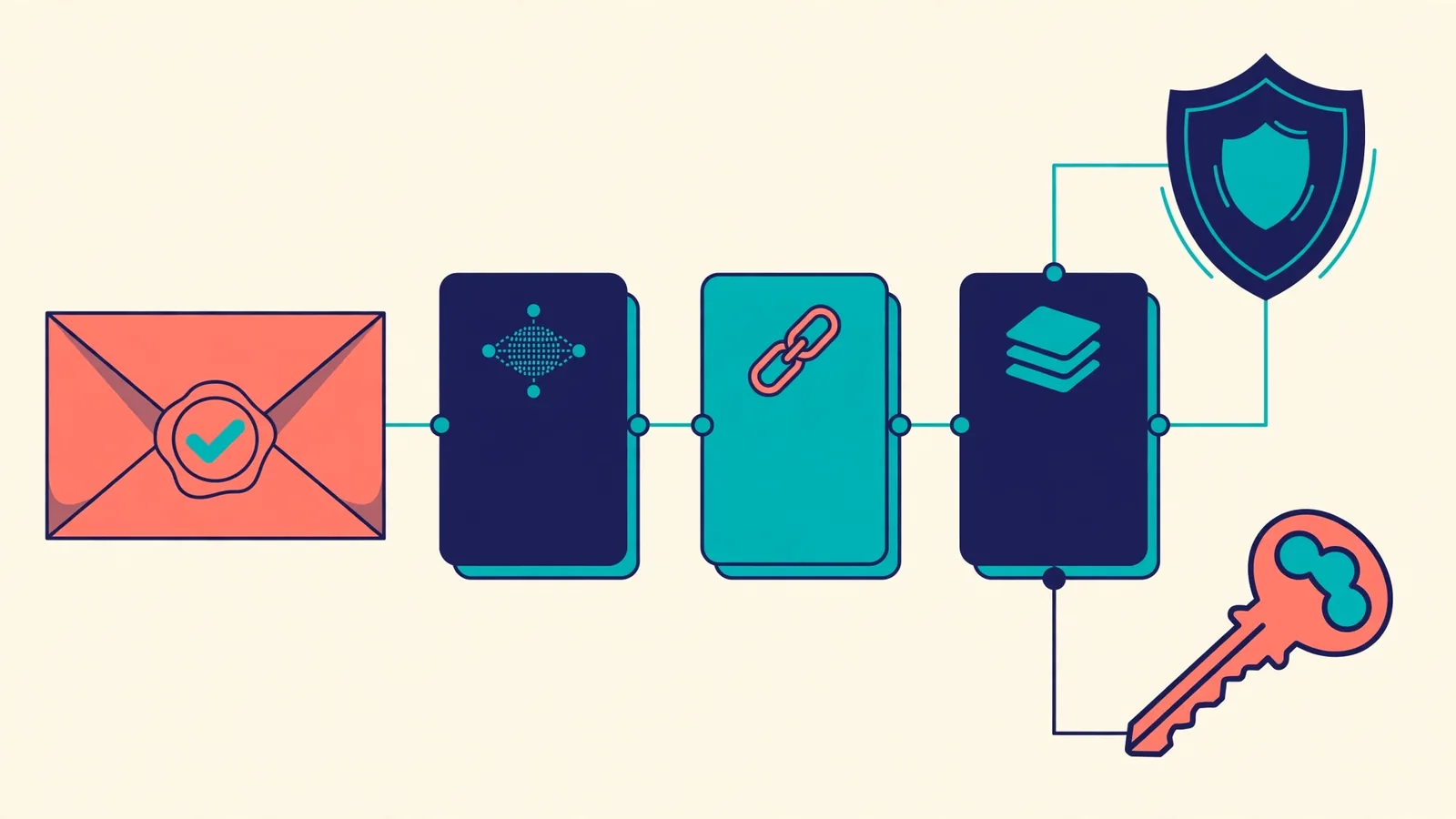
SPF, DKIM and DMARC help email providers check whether messages claiming to come from your domain are legitimate. They are related but do different jobs. Configuring them correctly can reduce spoofing risk and avoid some delivery failures, but no DNS record guarantees every email lands in an inbox.
Updated November 2026 · Facts checked 3 November 2026 · Educational guide. Exact DNS values must come from your actual email provider.
SPF vs DKIM vs DMARC in plain language
- SPF (Sender Policy Framework): tells receiving mail servers which systems may send mail using your domain in the SMTP envelope.
- DKIM (DomainKeys Identified Mail): adds a cryptographic signature that a receiving system can verify using a public key published in DNS.
- DMARC (Domain-based Message Authentication, Reporting and Conformance): checks alignment between the visible From domain and passing SPF or DKIM, then publishes a domain owner’s requested handling policy.
A message can pass SPF but still fail DMARC if the authenticated domain is not aligned with the visible From address. DKIM can preserve alignment in some forwarding scenarios where SPF may fail. That distinction matters more than simply seeing three TXT records in your DNS provider.
The three records at a glance
Illustrative records only: the examples below are deliberately incomplete. Do not copy them directly into a working domain. Use exact include domains, selectors, keys and reporting addresses supplied or approved by your providers.
- SPF is usually a TXT record on the relevant domain, beginning with
v=spf1. - DKIM uses a selector such as
selector1._domainkey.example.comwith provider-generated key material. - DMARC appears under
_dmarc.example.comand begins withv=DMARC1.
Step 1: Inventory everything that sends email for your domain
List the corporate mailbox provider, CRM, website contact-form service, marketing platform, billing software, support desk and any transactional email tool. Identify which sends messages with your domain in the visible From header. A forgotten service can stop authenticating correctly when policy enforcement increases.
Step 2: Publish exactly one valid SPF record
Some domains already have SPF. Do not add a second independent SPF TXT record: multiple SPF records can cause evaluation errors. Instead, consolidate legitimate senders into the existing policy, following provider instructions. SPF has a DNS lookup limit and nested includes can exhaust it; adding every imaginable sending vendor is not a safe fix.
Beware that SPF authenticates the envelope-sender identity, which is not always identical to what a person sees in the From field. DMARC evaluates whether a passing SPF identity aligns with the visible From domain.
Step 3: Enable DKIM for each sending platform
Generate or retrieve DKIM DNS records from the official email provider dashboard. Publish the correct selector and key, wait for DNS to be visible, and enable signing when the provider reports verification. Different services may use different selectors. Never invent a DKIM public key or paste a private signing key into public DNS.
Step 4: Introduce DMARC gradually
Start by reviewing existing authentication and any current policy. Where appropriate, configure reporting and a monitoring policy before moving toward stricter treatment. A restrictive policy such as quarantine or reject can block legitimate mail if an important sender has not been configured. Consult the provider and check the reports before tightening enforcement.
DMARC aggregate reports can contain operational and potentially sensitive identifiers. Send them to a mailbox or processing service you control, and avoid publishing personal reporting addresses unnecessarily.
Step 5: Test from the outside
- Send a message through each legitimate platform to a mailbox that exposes authentication results.
- Inspect SPF, DKIM and DMARC outcomes in the message’s full headers rather than relying on a green dashboard indicator.
- Check both a plain business mailbox email and an email from the website contact form or transactional provider.
- Verify that replies work and mail arrives in both directions.
- Monitor DMARC reports and correct failing but authorized sources before stricter policy changes.
Common problems and what they usually mean
SPF passes but DMARC fails
The passing SPF domain may be different from the visible From domain. Investigate identifier alignment or a valid aligned DKIM signature; do not assume the message is fraudulent solely because SPF differs.
DKIM fails after DNS changes
The expected selector may be missing, the DNS record may be malformed, signing may be disabled, or a downstream service may have modified signed message content. Compare the official provider setup instructions to the active authoritative DNS records.
Your website sends messages but nobody receives them
A hosting server’s basic PHP mail may not match the authentication rules for your branded From address. Use a legitimate configured transactional or mailbox provider when appropriate. Check mail logs, DNS records and form submission logs; do not remove DMARC blindly.
Email breaks after a registrar transfer
A registrar switch can disrupt DNS if the previous DNS host stops serving the zone. Our domain-transfer checklist explains how to back up MX, SPF, DKIM and DMARC records before switching.
An everyday business email authentication checklist
- Use a single authoritative DNS zone and verify who manages it.
- Enable multi-factor authentication for registrar and email administrator accounts.
- Document each legitimate sending service and the identity it authenticates.
- Publish only provider-approved SPF and DKIM values.
- Set up DMARC monitoring and review actual reports before stronger enforcement.
- Recheck after adding a CRM, newsletter service or hosting provider.
- Keep a verified rollback record before changing production DNS.
- Never promise 100% deliverability from authentication records alone.
Frequently asked questions
Do SPF, DKIM and DMARC improve my Google website rankings?
These records protect and authenticate email. They are not a direct substitute for website SEO and do not guarantee higher Google Search rankings.
Can I use a free DMARC checker?
Public DNS lookup tools can show whether a record is published, but a published record alone does not prove every mail stream passes alignment. Test real message headers and reports.
Is p=reject always best immediately?
A strong policy can reduce domain spoofing, but deploying it before identifying authorized senders may interfere with legitimate mail. Validate sending services and move carefully.


