
Base44 for Internal Apps: Prototype a Request Tracker Without Skipping Security
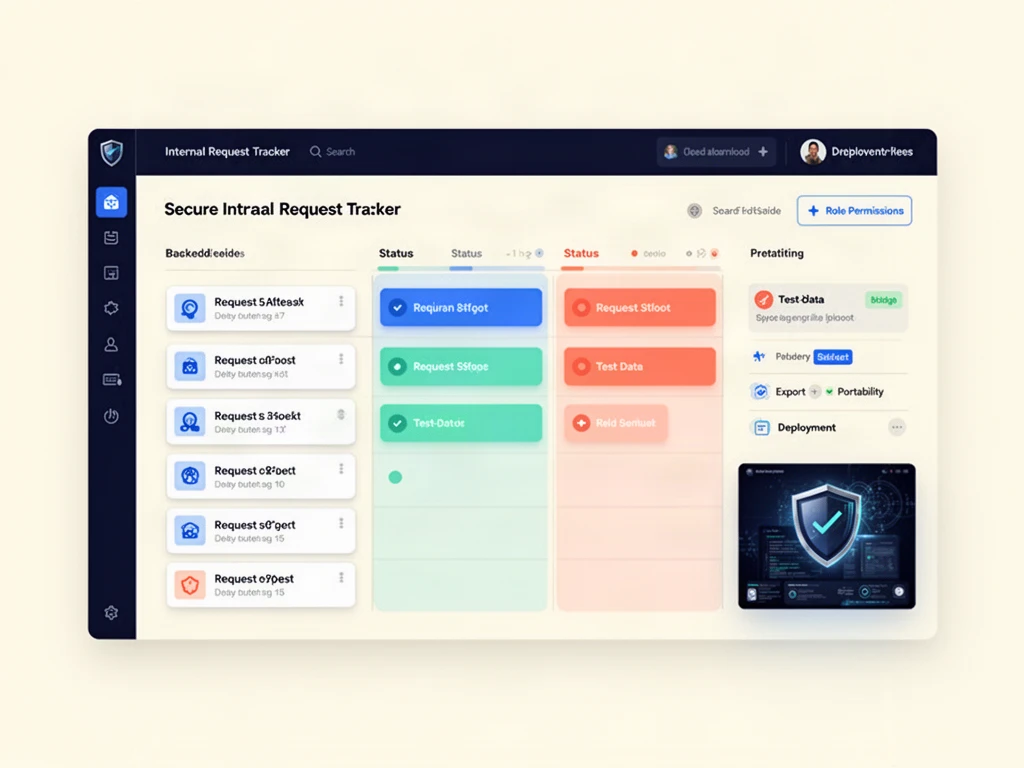
Affiliate disclosure: This article includes a sponsored affiliate link to Base44. BigExclusives may receive compensation if you sign up or purchase through it, at no additional cost to you. This is an editorial planning guide based on the vendor’s public information, not a claim that we built or tested an app on the service. Read our Affiliate Disclosure for details.
Teams often start an internal app project with a deceptively small request: “Can we have a place to track requests?” The difficult work arrives one sentence later. Who can submit a request? Who can see private notes? What happens when a status changes? Can the team retrieve its data if it moves on? Base44 offers a prompt-led way to build applications and websites without conventional setup. That can make a prototype faster to explore, but it does not eliminate the need for a clear data model or access rules.
This guide turns a vague app idea into a concrete prototype brief, then shows what to inspect before trusting the result with real work. For product-level costs and trade-offs, read our Base44 review; the checklist below focuses on an illustrative request-tracker prototype.
What Base44 says it provides
The Base44 website describes an AI app builder: describe what you want, and the service helps build and host it. The affiliate landing page specifically highlights built-in user login, data storage, and permissions. Those are product claims, not an independent security audit or a guarantee that a generated configuration is right for your organization. Features and limits can differ across plans or change, so verify them in the current interface and documentation.
The strongest candidate for a first experiment is not a mission-critical customer portal. It is a limited internal workflow with a small, clearly defined set of users and dummy data. That gives you space to discover missing fields and permission mistakes before they affect real people.
Choose a bounded prototype: a request tracker
Imagine a small editorial team that needs to collect story pitches. A useful first version needs a submission form, a list of pitches, a status field, an owner, and a review note. It does not need automated publishing, billing, or an integration with every existing tool.
Define three roles before writing a prompt:
- Submitter: Can create a pitch and see their own submission status.
- Editor: Can review assigned pitches, add private notes, and update status.
- Administrator: Can manage users and inspect all pitches.
Now define the data: pitch title, summary, submitter, date, status and owner, with private review notes stored separately. Mark required fields and personal information, then specify who may create, read, update or delete each table. If a “private” note is accessible to submitters, the interface may look polished while the application is fundamentally wrong.
Data-permission limit: Base44’s data-permissions documentation says native rules apply to whole tables, not individual fields. Hiding an editor note in the interface does not secure it. Use a separately permissioned notes table or a validated backend function that filters data before it reaches a submitter, then test underlying access with dummy accounts. This is a design requirement, not a claim that a generated app has passed a security test.
Write a prompt that describes behavior, not just appearance
A more useful starting brief than “make me a modern dashboard” would be:
Build a prototype pitch tracker for a small editorial team using sample data only. A submitter can create a pitch and view only their own pitches. An editor can view assigned pitches and change status to New, Reviewing, Accepted, or Declined. An administrator can view all pitches and manage role assignments. Include a title, summary, submitter, submission date, status, and assigned editor. Keep private editor notes separately access-controlled or filtered server-side; do not rely on hiding a field from submitters in the interface. Provide a clear empty state and confirmation before destructive actions.
This is a specification to test, not a promise that one prompt will produce a correct application. After the first generation, inspect each user journey and refine one requirement at a time. Keep a written record of what you changed and why.
Test the app with a simple acceptance checklist
1. Verify the data model
Enter dummy records with missing, long, and unusual values. Does the app reject an empty title? Does a long summary remain readable on a narrow screen? Can a pitch be assigned to an editor who has no access? Test how the app behaves when there are no records as well as when the list grows.
2. Test each role independently
Use separate test accounts or a safe role-preview mechanism if the product supports one. Never judge access control solely by hiding a button in the interface. Attempt to open a record that belongs to another submitter and check whether the underlying data is protected. If you cannot validate this confidently, do not upload sensitive or customer information.
3. Check the workflow edges
What happens when an editor declines a pitch, an administrator removes a user, or a submitter edits a request after review? Specify whether status changes trigger notifications; do not assume they exist. Test duplicate submissions and accidental deletions. A small app becomes useful only when these ordinary cases are predictable.
4. Review export, ownership, and operations
Before adopting any hosted builder, find out how to export data, manage backups, control account access, and recover from mistakes. Read the current terms and privacy documentation for storage location, retention, and commercial use. Ask who will maintain the app when the person who wrote the first prompt leaves the team.
Advantages to investigate—and limits to respect
Prompt-led creation can be valuable for quickly making a working concept visible to colleagues. Base44’s advertised combination of app generation, hosting, login, storage, and permissions could reduce the initial setup for a small prototype. A tangible interface can expose disagreements about the workflow sooner than a long specification document.
But speed is not proof of fitness. A generated screen may have incomplete validation, confusing permission boundaries, inaccessible controls, or a data model that is hard to extend. Integration needs, plan limits, data portability, and the cost of repeated changes also matter. Avoid claiming a production-ready app—or compliance with any standard—without separate technical and legal review.
For a general way to assess workflow fit and privacy, our existing AI-tool evaluation guide provides a broader checklist. This article narrows that decision to the risks of building an internal app.
When to move beyond a prototype
Set a gate before real deployment. At a minimum, have an owner review role-based access, data handling, backups or export, mobile usability, accessibility, error handling, and current subscription terms. If the application handles confidential information or a regulated process, involve the relevant security and compliance specialists. A prototype can clarify requirements even when the final system is built elsewhere.
If this is the kind of limited workflow you need to explore, view Base44 through our affiliate link and compare the current product against your acceptance checklist. Start with dummy data and verify the permissions yourself before inviting colleagues.
Bottom line: The best first no-code app is not the most ambitious one. It is a small, testable workflow whose data, roles, and failure cases you understand. Before launching a real app, review our Base44 security checklist. If you are deciding between a managed no-code builder and an AI coding workflow, compare the trade-offs in our Base44 vs Z.ai ZCode comparison.


